
How to use the Waitlist
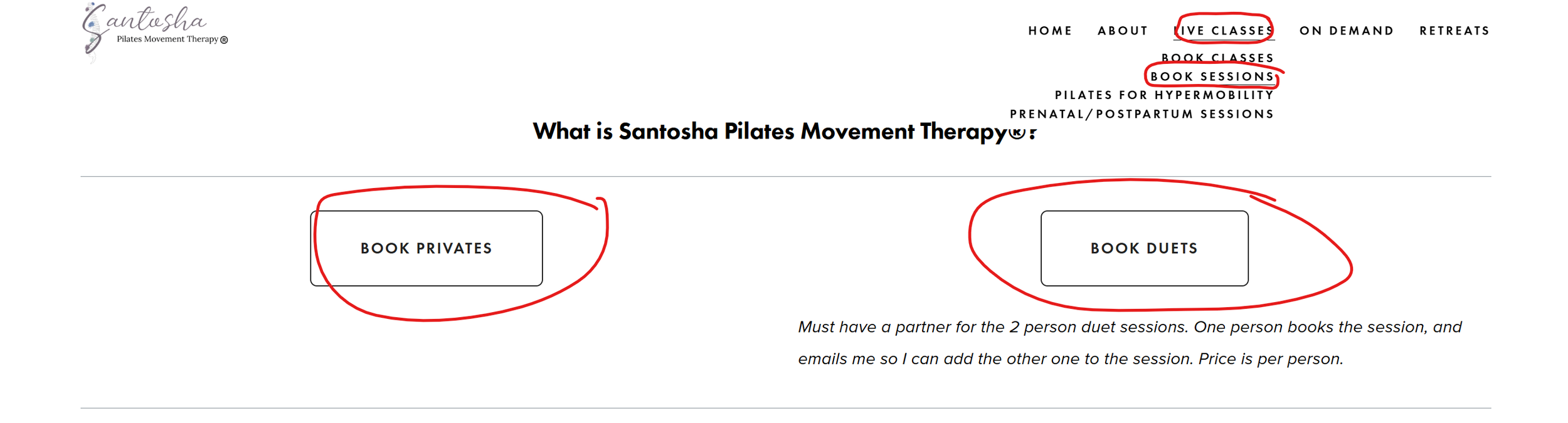
Start by going to the booking link as usual: click on 'Book Sessions' under the 'Live Classes' drop down on my website. Click 'book privates', or 'book duets' (a duet is a semi private, if you have a partner).
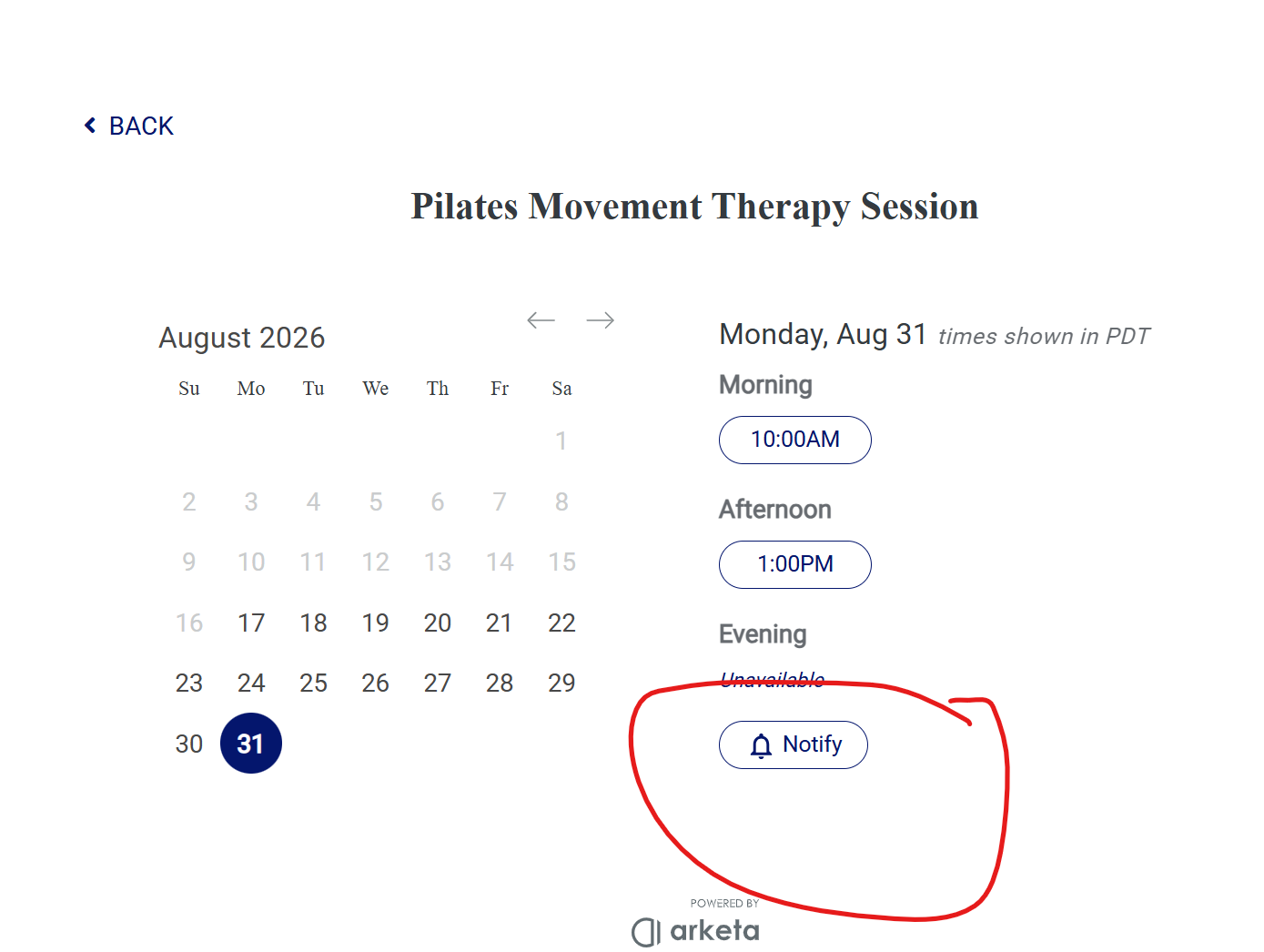
You will see a 'Notify' button (circled below in red) on any days where I am available but booked up. Click on that.
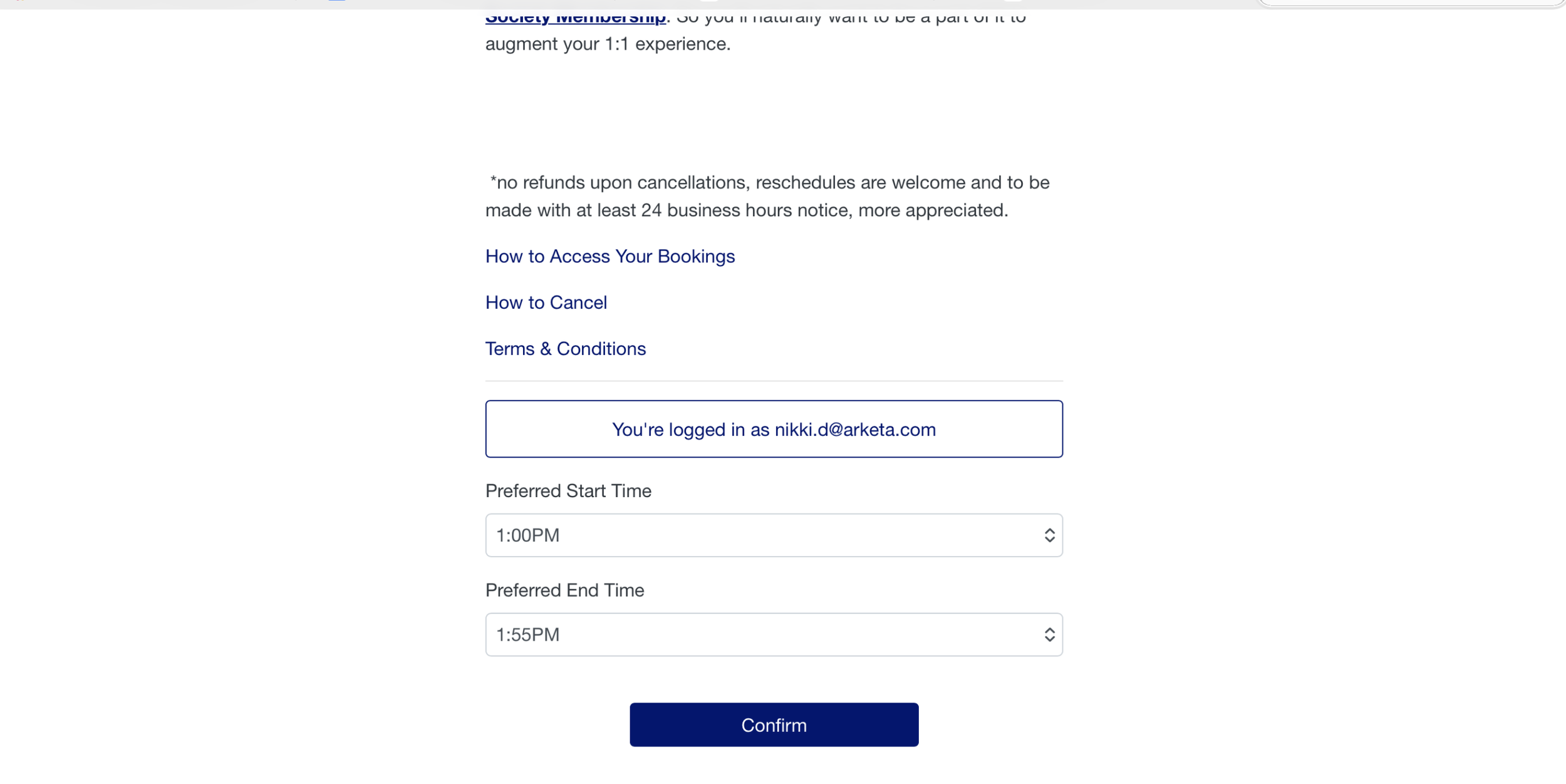
Then, click on your preferred start time (see image below).
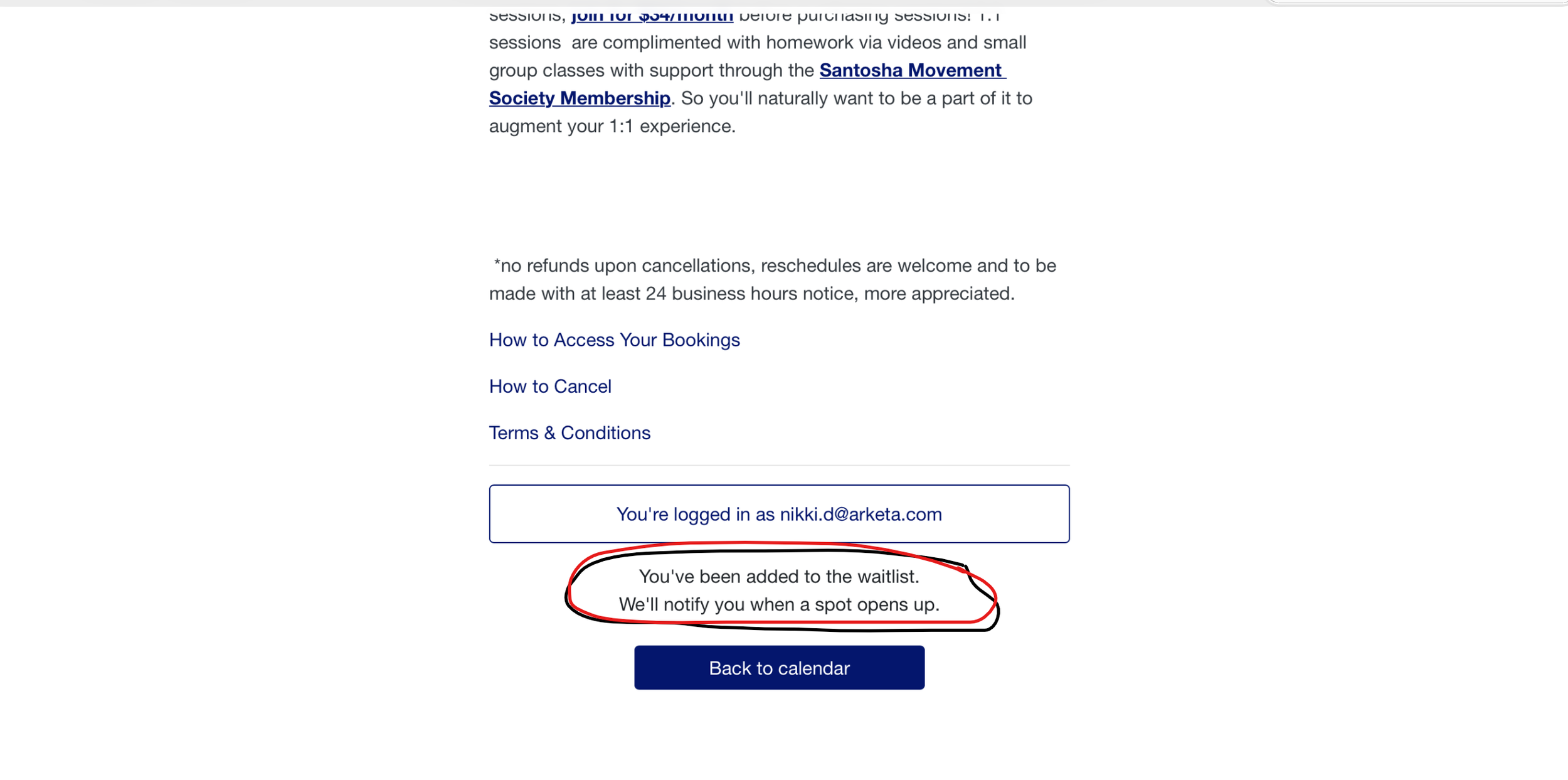
Lastly, you'll see that you're added to the waitlist (circled in red below). Feel free to add yourself to multiple days/times!
When a slot opens up, you’ll receive an email with the newly available time(s) and an easy button to book. You won’t be booked automatically: the spot is yours only once you complete the booking. That’s it! Let me know if you have any questions!
Yours in health, Mandee